It can be super scary that the program you used to undervolt your CPU (ThrottleStop) seems like a legit software, can turn your life into a living nightmare if you don't know what you're doing.
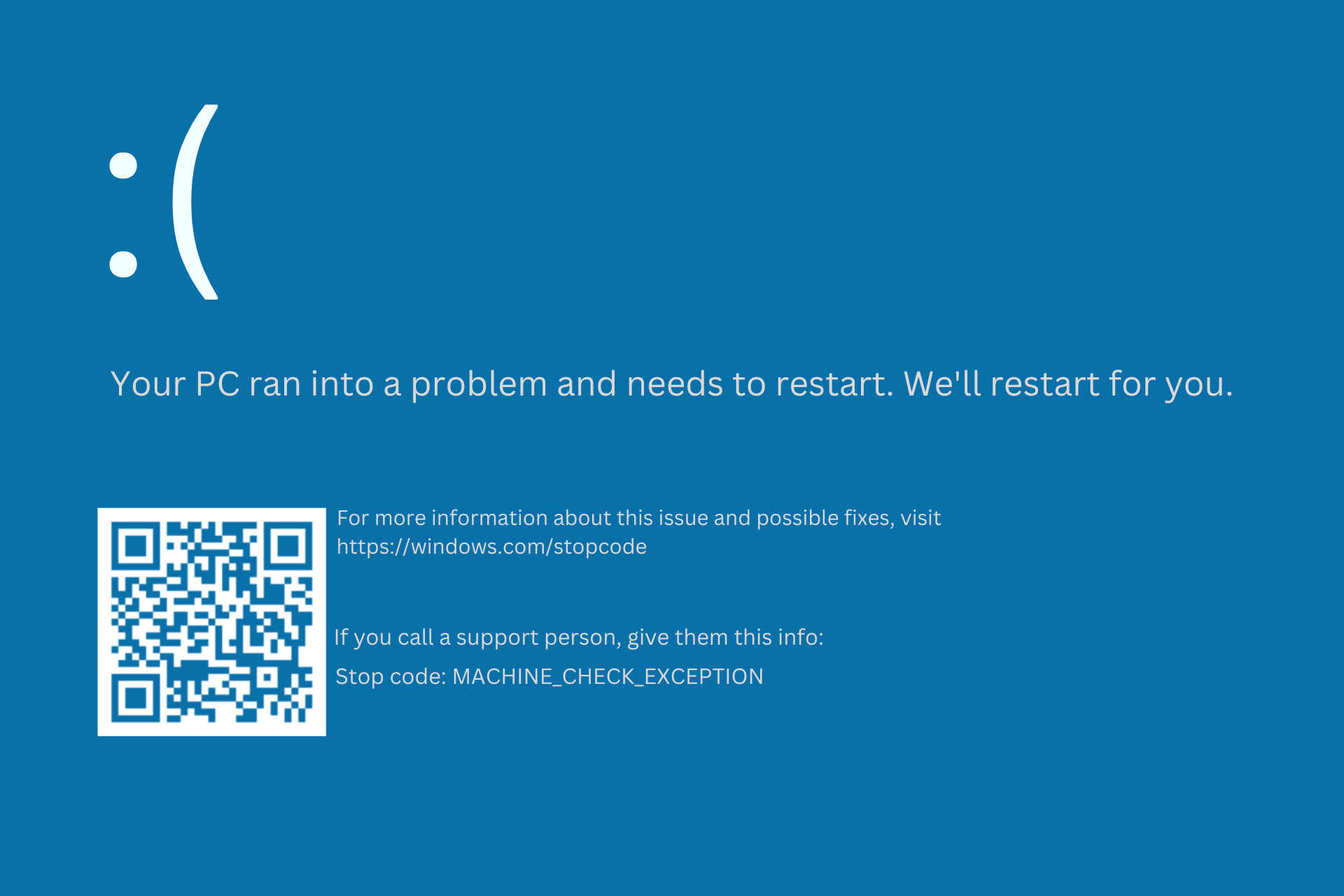
In this blog, I am going to show you how to fix the "MACHINE_EXCEPTION_ERROR
How does this happen?:
It mostly happens on Laptop CPUs but can also happen on Desktop CPUs.
One of the CPUs prone to this error is the Intel U models such as the i3-6006U.
The problems this may cause are:
Repeated BIOS Startups
HDD Detected in BIOS but cannot boot
Repeated BSODs
How to Fix It:
1. Load Optimized Defaults
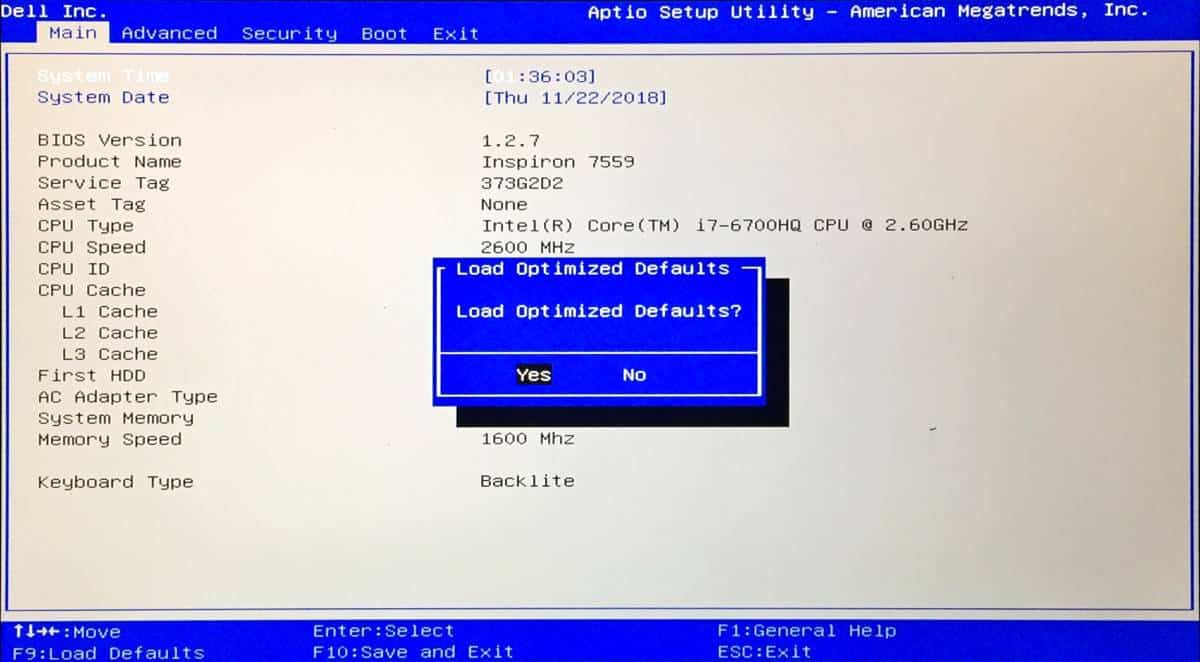
Go to your BIOS > Exit > Load Defaults > Yes
2. Save Changes
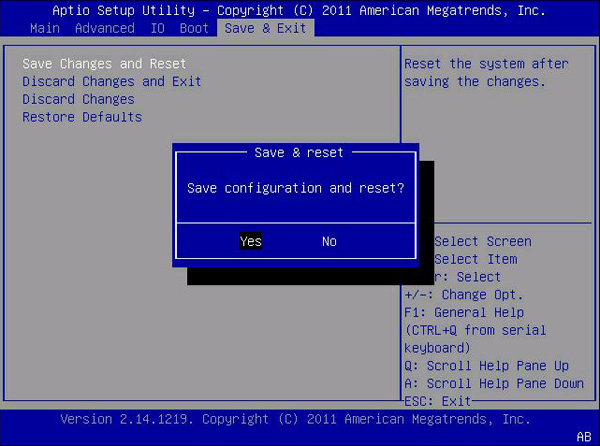
Go to Exit > Save Changes and Exit (Reset)
If the problem still persists, continue to step 3
3. Enable CSM
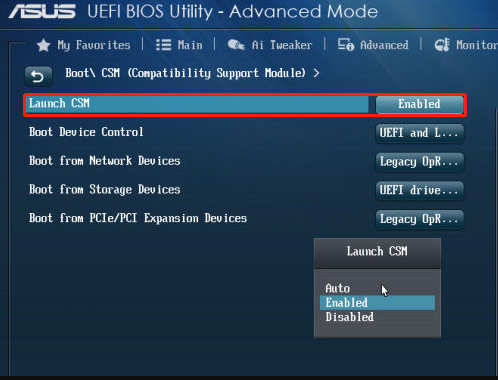
Go to your BIOS > Advanced > Launch CSM > Enabled
4. Save Changes
Go to Exit > Save Changes and Exit (Reset)
Now at this point, you should finally be able to boot into Windows's Recovery Mode, if not, go to the bottom.
5. Wait for Automatic Repair
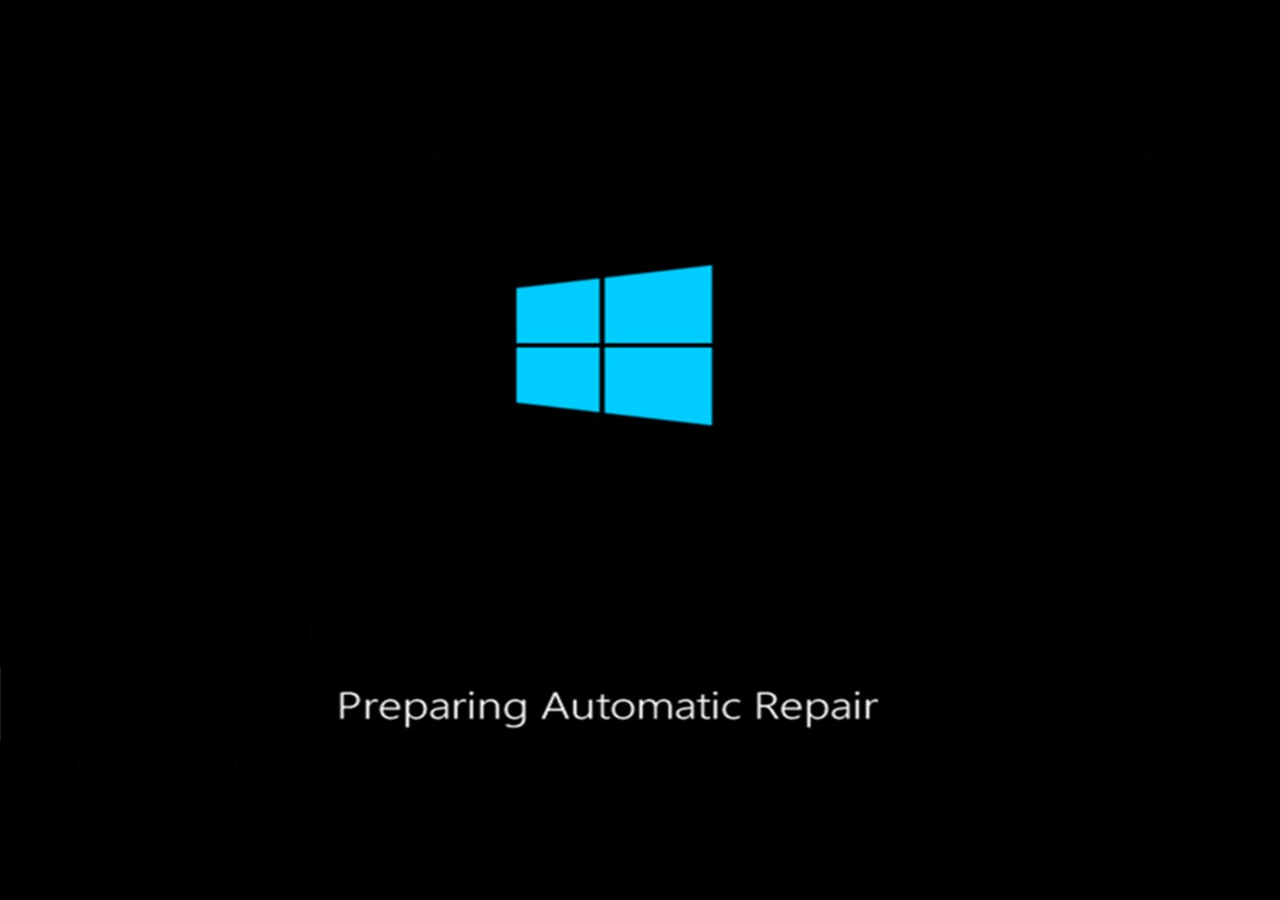
6. Go to Advanced Options

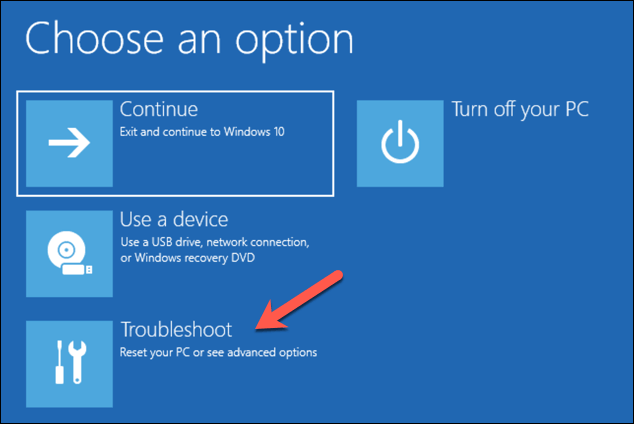
7. Go to Troubleshoot and select "Advanced Options"
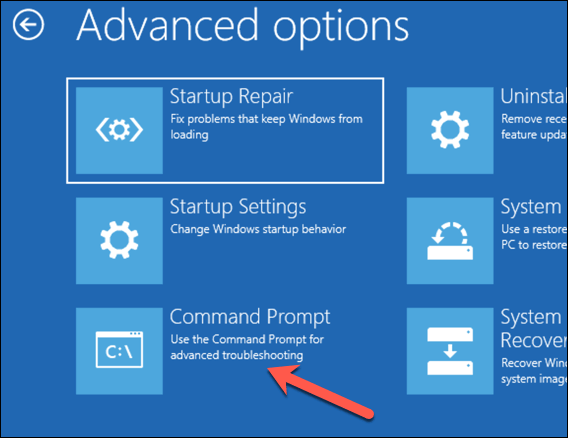
8. Go to CMD
9. Type "notepad"
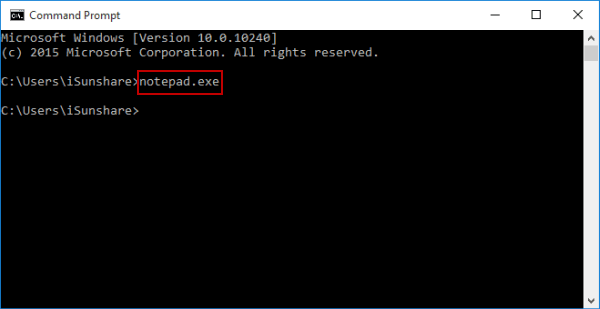
10. Go to File>Save
11. Locate your ThrottleStop folder
12. Delete the .cfg and ThrottleStop itself
13. Close all windows and continue to Windows

14. You're done
If you can't still fix it, the laptop CPU may be suffered extreme damage due to undervoltage. Be ready to replace it at a laptop repair shop.
Comments
Post a Comment